
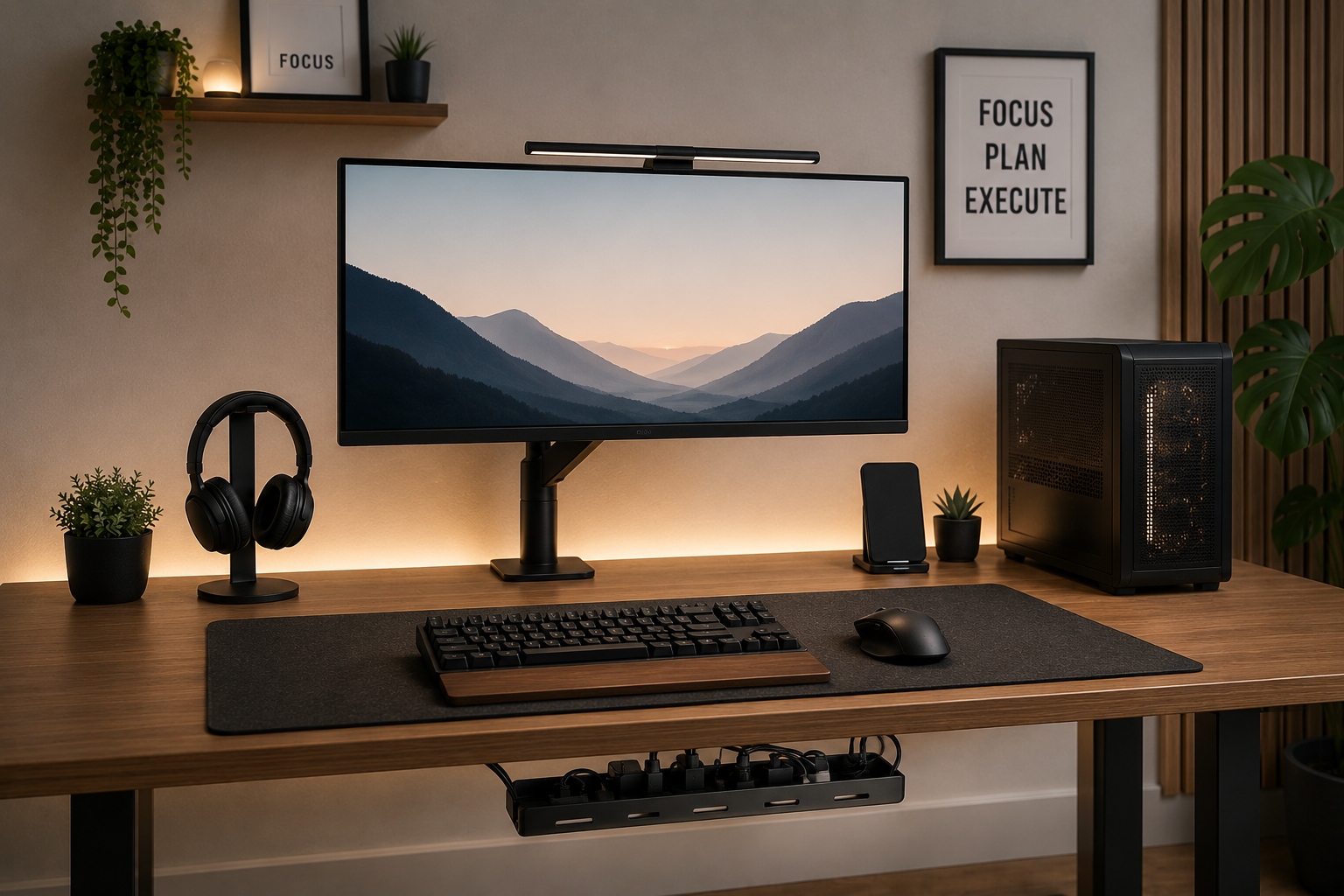
A cluttered desk can make it harder to focus, reduce productivity, and create unnecessary stress during work or study sessions.
Modern desk setups often include:
- monitors,
- laptops,
- chargers,
- speakers,
- keyboards,
- lighting,
- and multiple cables.
Without proper organization, even expensive setups can quickly look messy and distracting.
Minimalist desk setups solve this problem by combining:
- clean cable management,
- intentional organization,
- simple layouts,
- and distraction-free design.
The goal is not just aesthetics.
A clean workspace can improve:
- focus,
- comfort,
- workflow,
- cleaning access,
- and overall productivity.
In this guide, you’ll learn:
- Why minimalist desk setups improve productivity
- The biggest causes of desk clutter
- How to organize cables cleanly
- The best minimalist desk accessories
- Cable management solutions for home offices
- Common minimalist setup mistakes
- How to maintain a clean desk long term
By the end of this article, you’ll know exactly how to create a minimalist desk setup that looks cleaner, feels calmer, and supports better productivity.
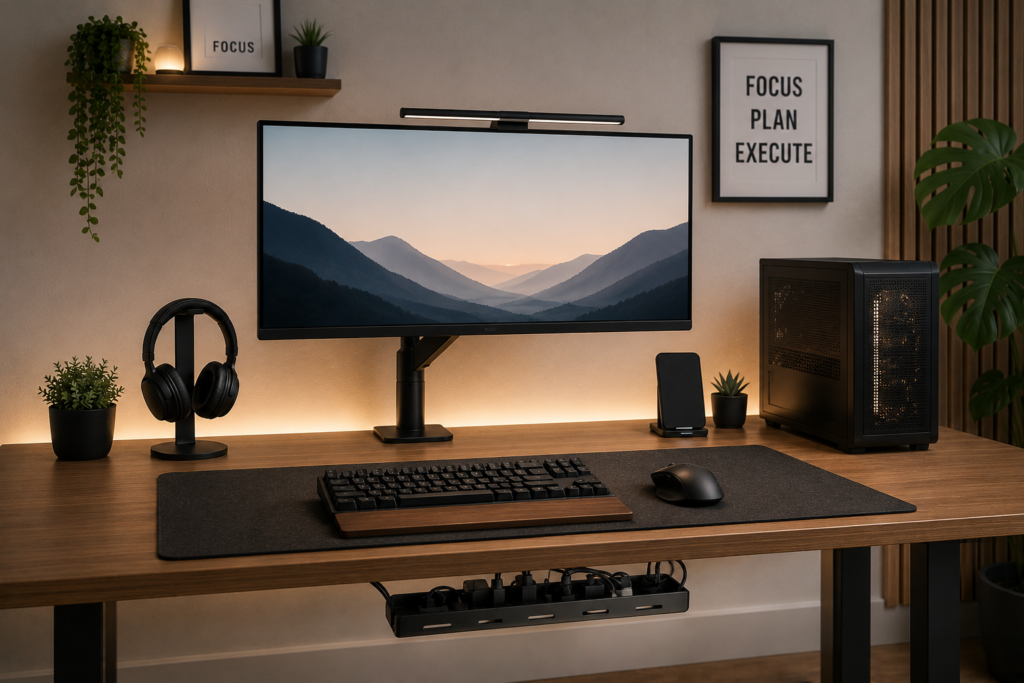
Why Minimalist Desk Setups Improve Productivity
Visual clutter affects concentration more than many people realize.
Messy workspaces often create:
- distractions,
- reduced focus,
- mental fatigue,
- and unnecessary stress.
Minimalist setups help reduce visual noise by removing unnecessary items and organizing essential equipment more efficiently.
A clean desk setup also:
- improves workflow,
- simplifies cleaning,
- creates a more professional appearance,
- and helps maintain better organization habits.
Many remote workers and students report feeling more focused in simplified environments.
The Biggest Causes of Desk Clutter
Before improving a desk setup, it helps to identify the main sources of clutter.
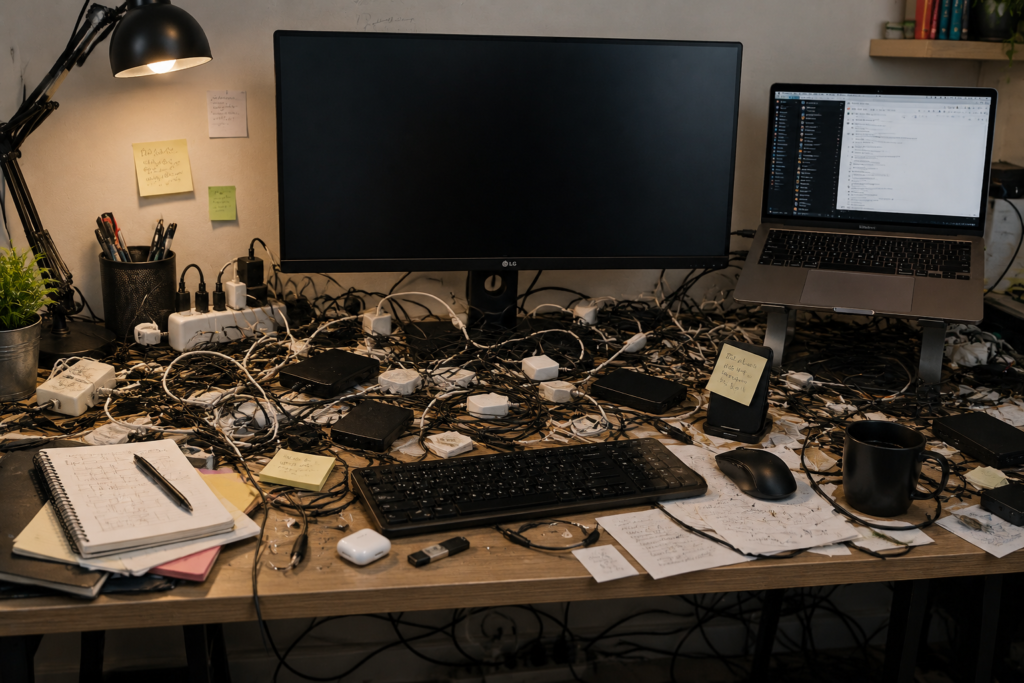
Excessive Cables
Monitors, chargers, keyboards, speakers, and lighting systems create cable clutter quickly.
Too Many Accessories
Unused gadgets and decorative items often overcrowd desks.
Poor Storage Solutions
Without drawers or organizers, small items accumulate on surfaces.
Visible Charging Equipment
Loose charging cables instantly reduce the clean appearance of a setup.
Random Device Placement
Disorganized layouts make setups feel chaotic.
How to Create a Minimalist Desk Setup
1. Start With Cable Management
Cable organization is the foundation of every clean desk setup.
Even beautiful desks look messy when wires are visible everywhere.
The best minimalist setups hide:
- charging cables,
- monitor wires,
- power strips,
- and adapters.
Use Under-Desk Cable Trays
Cable trays help hide:
- power strips,
- charging bricks,
- excess cable length,
- and adapters underneath the desk.
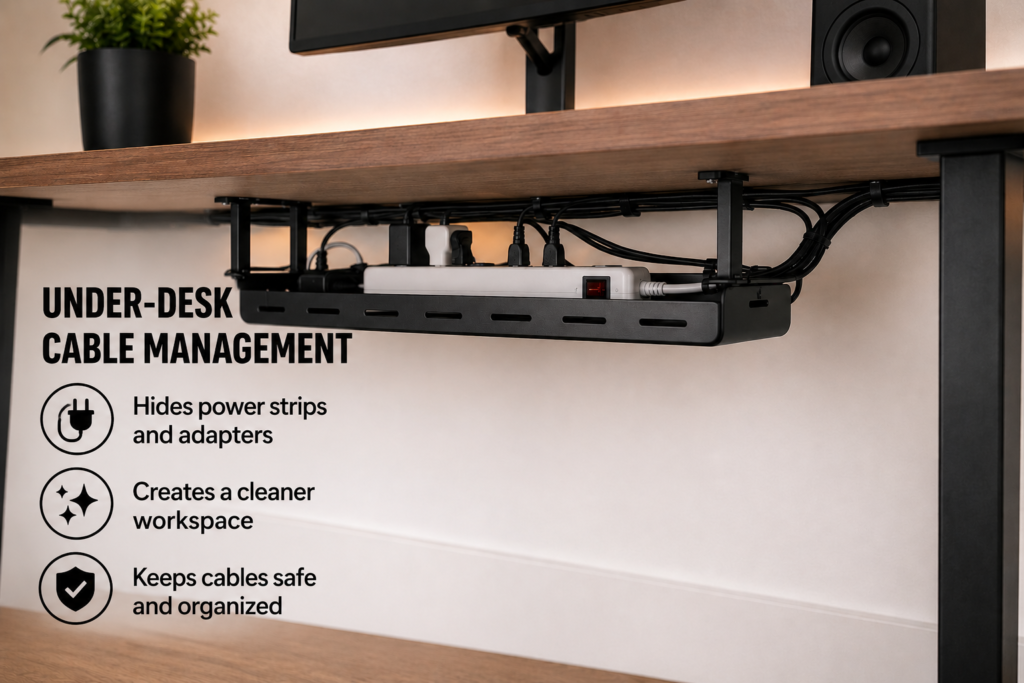
This instantly improves visual cleanliness.
Bundle Wires Together
Cable sleeves and Velcro ties help organize multiple cables into one clean line.
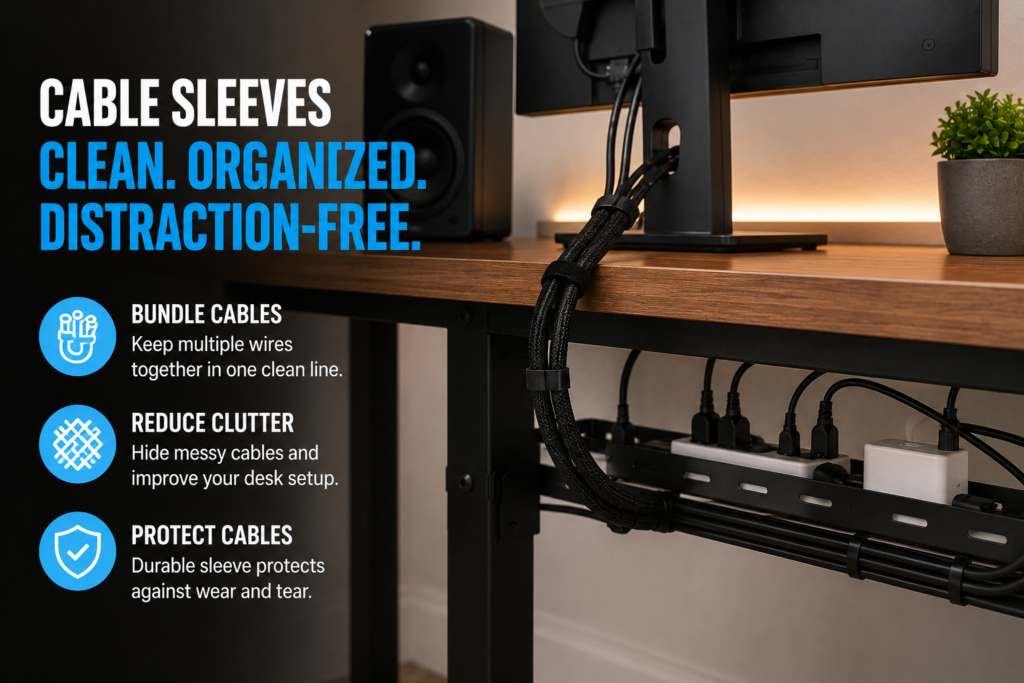
This works especially well for:
- dual-monitor setups,
- gaming desks,
- and home offices.
Use Cable Clips
Cable clips prevent frequently used charging cables from falling behind the desk.
They also help maintain cleaner layouts daily.
Hide Power Strips
Power strips should remain hidden whenever possible.
Cable management boxes work especially well here.
2. Reduce Unnecessary Items
Minimalism focuses on keeping only what improves functionality or comfort.
Helpful decluttering ideas include:
- removing unused accessories,
- reducing decorative objects,
- storing rarely used devices,
- and simplifying layouts.
A cleaner desk often feels larger and calmer.
3. Use Wireless Devices When Possible
Wireless accessories dramatically reduce visible cable clutter.
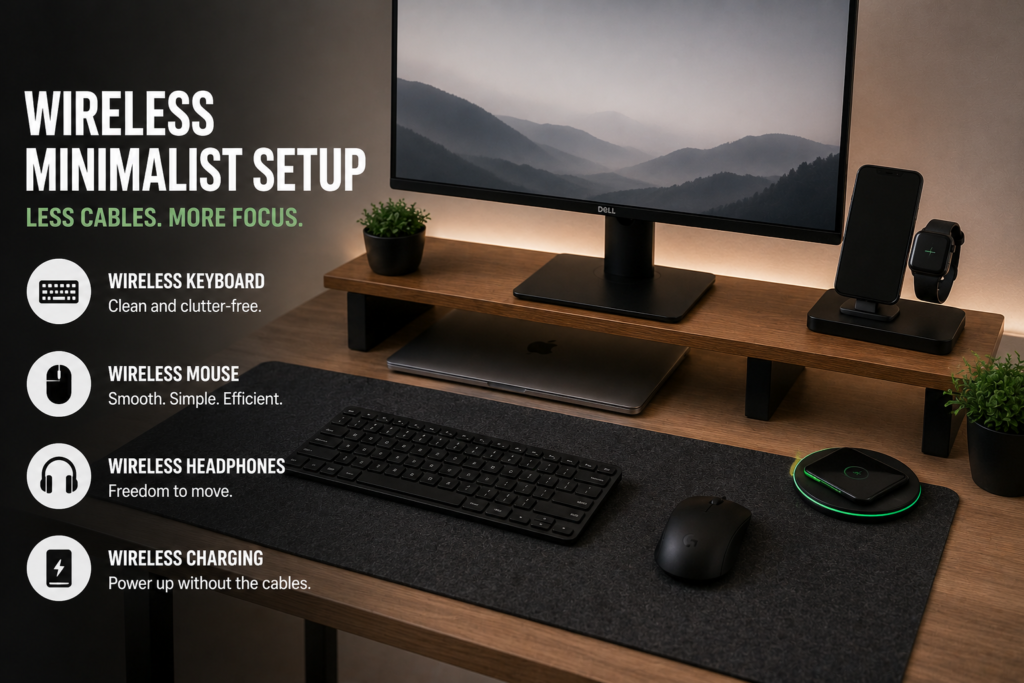
Helpful wireless upgrades include:
- keyboards,
- mice,
- headphones,
- and charging systems.
Wireless setups often create cleaner visual balance.
4. Prioritize Functional Storage
Minimalist setups still require smart storage.
Useful storage ideas include:
- desk drawers,
- monitor risers with storage,
- under-desk organizers,
- and floating shelves.
Good storage prevents surface clutter from building up.
5. Improve Lighting Carefully
Lighting strongly affects workspace atmosphere.
Minimalist desk setups often use:
- soft LED lighting,
- monitor backlighting,
- simple desk lamps,
- and warm ambient light.
Avoid overly bright or distracting lighting systems.
Best Minimalist Desk Accessories
The right accessories improve both organization and productivity.
Monitor Arms
Monitor arms free desk space while improving ergonomics.
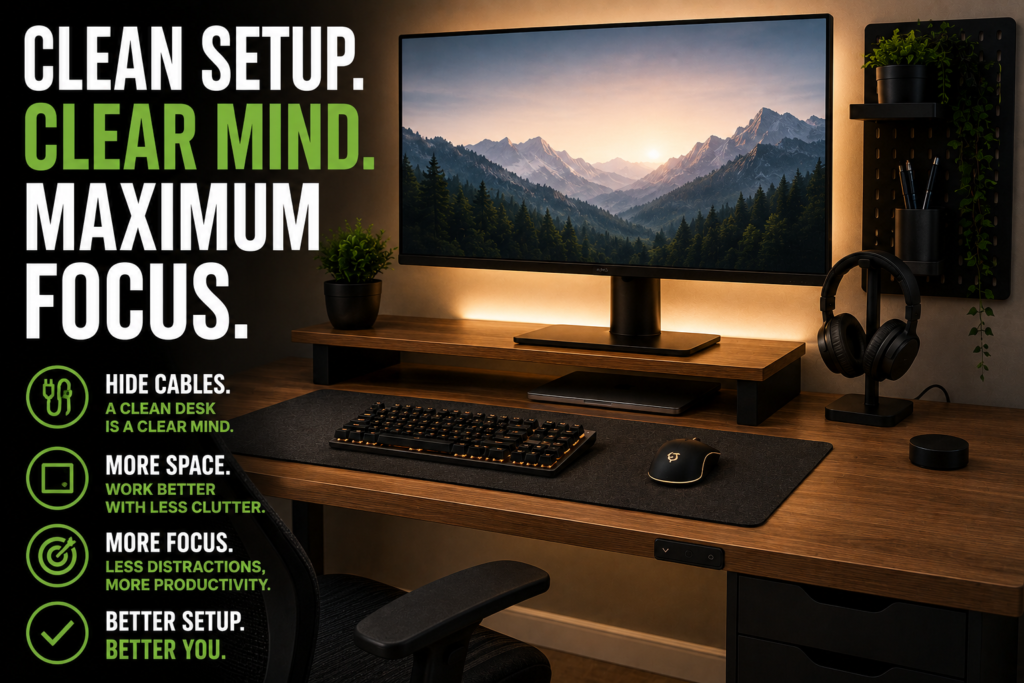
They also help hide monitor cables more effectively.
Cable Sleeves
Cable sleeves reduce visible cable clutter significantly.
Desk Mats
Large desk mats create visual consistency and help define workspace areas.
Under-Desk Trays
Perfect for hiding:
- adapters,
- power strips,
- and loose wires.
Wireless Charging Pads
Wireless charging reduces visible cables around desks.
Drawer Organizers
Organizers prevent small accessories from creating clutter.
Best Desk Layout Ideas for Productivity
Desk arrangement affects workflow more than many people realize.
Helpful layout tips include:
- placing monitors at eye level,
- keeping frequently used items within reach,
- minimizing surface distractions,
- and maintaining symmetrical layouts.
Simple layouts often feel calmer and more efficient.
Minimalist Desk Setup Ideas for Small Spaces
Small rooms benefit especially from minimalist organization.
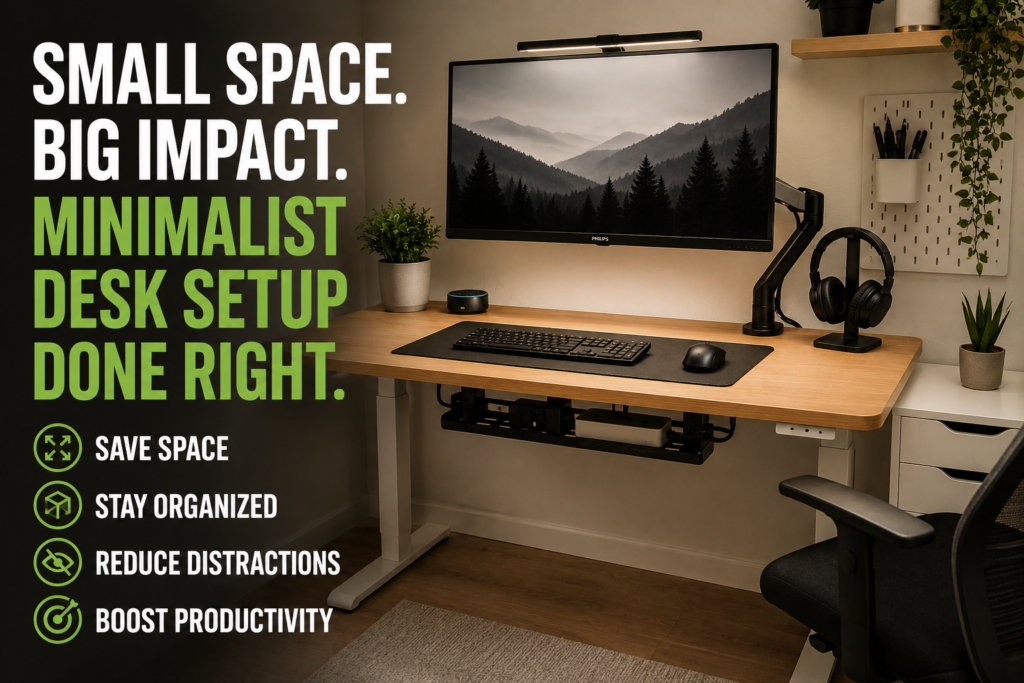
Helpful small-space ideas include:
- wall-mounted shelves,
- compact monitor arms,
- vertical storage,
- hidden cable routing,
- and multifunctional furniture.
Reducing visual clutter helps small offices feel larger.
Common Minimalist Desk Setup Mistakes
Avoid these common mistakes.
Buying Too Many Accessories
Minimalism is about simplification, not adding excessive gadgets.
Ignoring Cable Management
Visible wires quickly ruin clean aesthetics.
Prioritizing Looks Over Functionality
A setup should remain comfortable and practical.
Poor Ergonomics
Minimalist setups should still support healthy posture and comfort.
Using Harsh Lighting
Overly bright lighting may increase eye strain.
How to Maintain a Minimalist Desk Setup
Clean setups require regular maintenance.
Helpful habits include:
- removing unused cables,
- dusting weekly,
- reorganizing after upgrades,
- cleaning surfaces regularly,
- and limiting unnecessary accessories.
Small habits prevent clutter from returning.
Minimalism and Mental Focus
Many people associate clean workspaces with improved mental clarity.
A simplified desk setup may help:
- reduce distractions,
- improve concentration,
- increase workflow efficiency,
- and create a calmer work environment.
While minimalism is partly aesthetic, it also supports practical productivity benefits.
Final Thoughts
A minimalist desk setup is more than just a visual trend.
When combined with clean cable management and intentional organization, minimalist workspaces can improve:
- focus,
- comfort,
- workflow,
- and overall productivity.
The best minimalist setups usually combine:
- hidden cable routing,
- wireless accessories,
- smart storage,
- functional layouts,
- and regular maintenance.
Even small adjustments can dramatically improve how a workspace looks and feels.
Quick Summary
- Hide cables using trays and sleeves
- Use wireless accessories when possible
- Reduce unnecessary desk items
- Keep charging systems organized
- Improve lighting carefully
- Use smart storage solutions
- Maintain clean layouts regularly
- Prioritize both function and simplicity
With the right minimalist desk setup, any workspace can feel cleaner, calmer, and far more productive.