
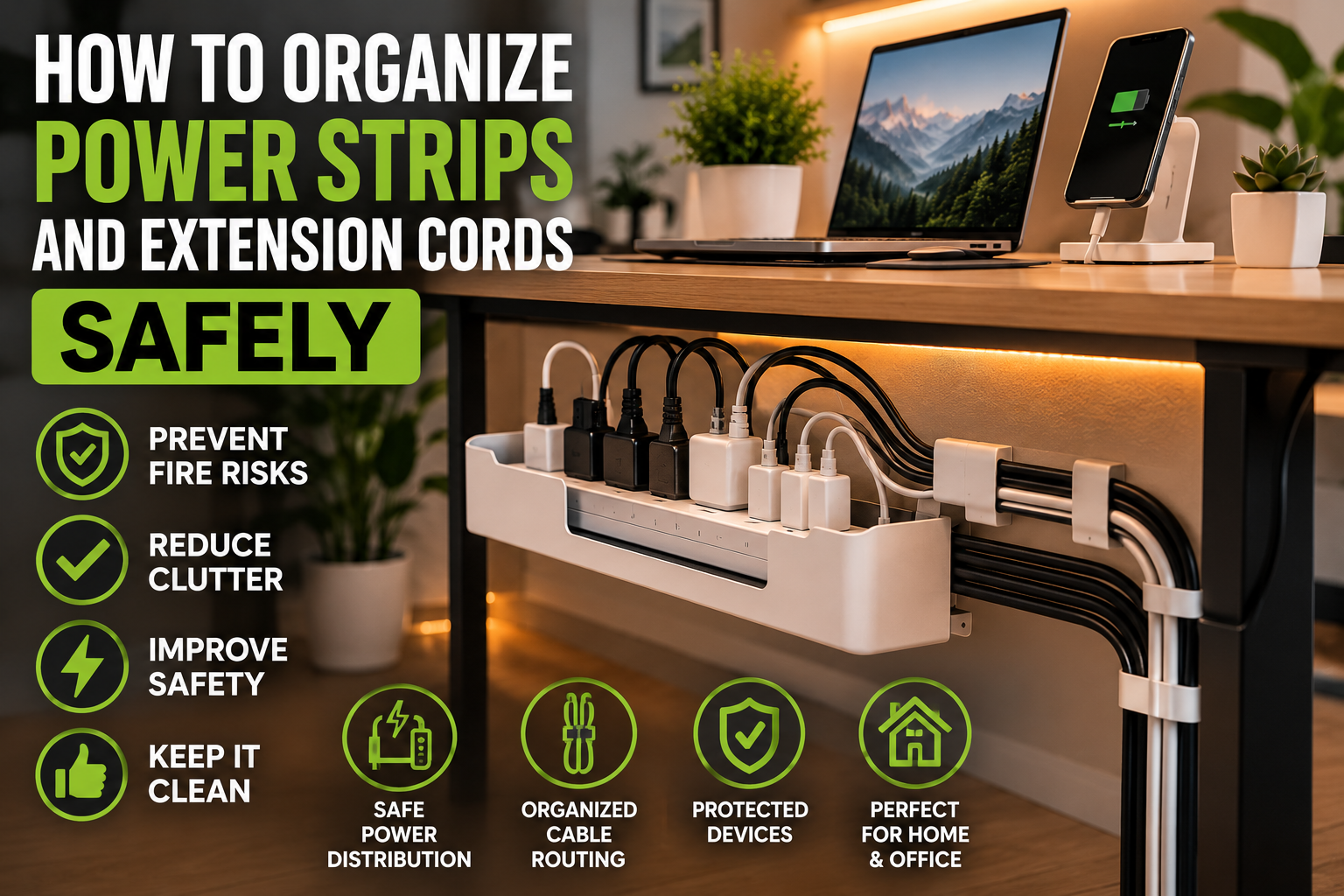
Power strips and extension cords are essential in modern homes.
Most people use them daily for:
- computers,
- TVs,
- gaming systems,
- kitchen appliances,
- chargers,
- office equipment,
- and smart home devices.
However, poor cable organization and overloaded power strips can quickly become dangerous.
Messy extension cords not only create visual clutter, but they may also:
- increase fire risks,
- create tripping hazards,
- reduce airflow around electronics,
- and damage devices over time.
The good news is that safe power strip organization is simple when you use the right setup techniques and cable management solutions.
In this guide, you’ll learn:
- Why power strip organization matters
- Common extension cord safety mistakes
- How to hide and organize power strips safely
- The best cable management solutions
- Safe placement ideas for different rooms
- How to reduce electrical hazards
- Long-term maintenance tips
By the end of this article, you’ll know how to organize power strips and extension cords safely while keeping your setup cleaner, more efficient, and easier to maintain.
Why Power Strip Organization Matters
Modern homes use more electronics than ever before.
Many setups include:
- monitors,
- routers,
- gaming consoles,
- speakers,
- TVs,
- charging stations,
- lamps,
- and smart devices.
Without organization, cables quickly become tangled and difficult to manage.
Poorly organized power strips may:
- overheat,
- collect dust,
- become overloaded,
- or create dangerous cable stress.
Good organization improves:
- safety,
- airflow,
- accessibility,
- cleaning,
- and overall appearance.
Common Power Strip and Extension Cord Problems
Before organizing cables, it helps to understand the most common mistakes.
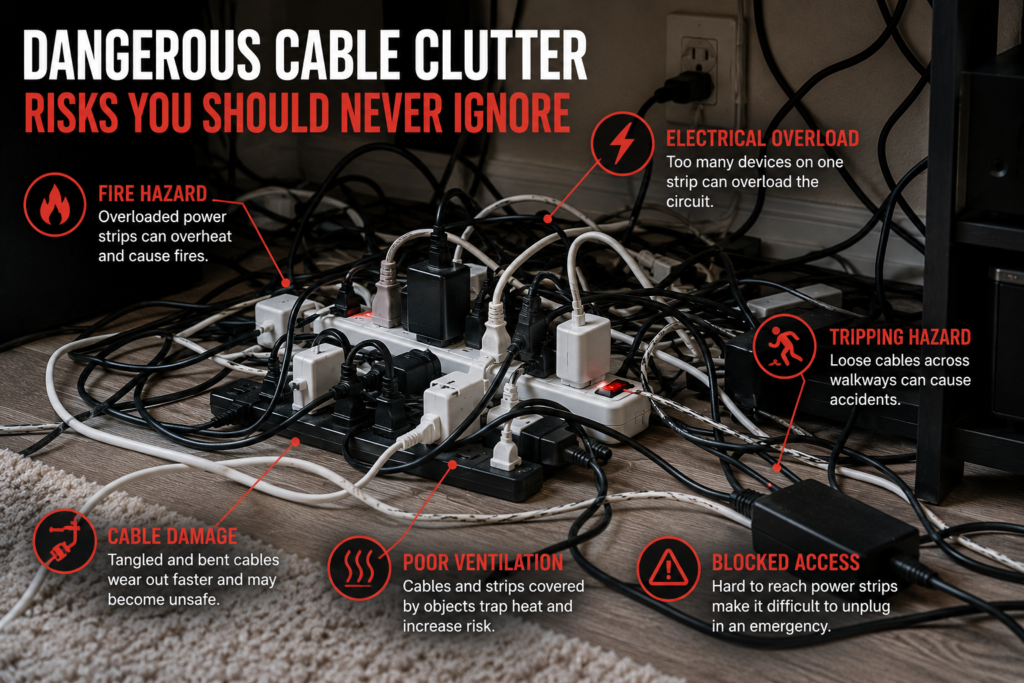
Overloaded Power Strips
Connecting too many high-power devices to one strip increases overheating risk.
Devices that commonly overload circuits include:
- space heaters,
- microwaves,
- gaming PCs,
- refrigerators,
- and air conditioners.
Tangled Extension Cords
Loose cables create:
- tripping hazards,
- visual clutter,
- and cable damage.
Poor Ventilation
Power strips covered by rugs, blankets, or furniture may trap heat.
Cheap or Damaged Extension Cords
Low-quality cords may wear out faster and become unsafe.
Cables Across Walkways
Exposed cords on floors increase accident risks significantly.
How to Organize Power Strips Safely
1. Use Cable Management Boxes
Cable management boxes are one of the best ways to hide:
- power strips,
- charging adapters,
- and excess cable length.
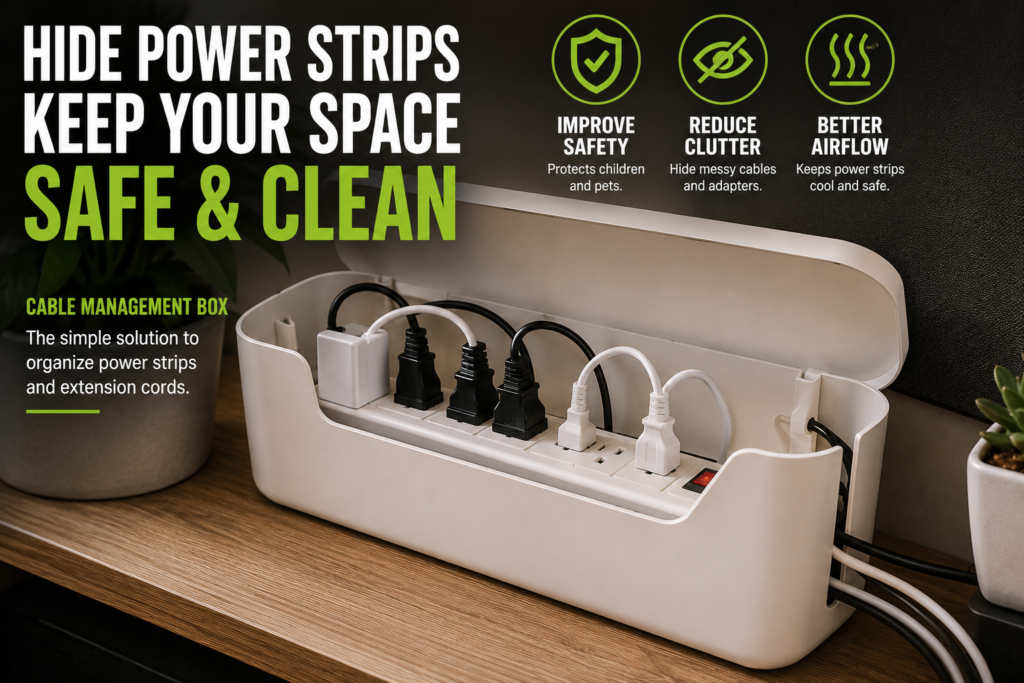
These boxes improve:
- safety,
- airflow,
- and visual organization.
They also help protect children and pets from exposed outlets.
2. Mount Power Strips Off the Floor
Keeping power strips elevated helps reduce:
- dust buildup,
- moisture exposure,
- and accidental damage.
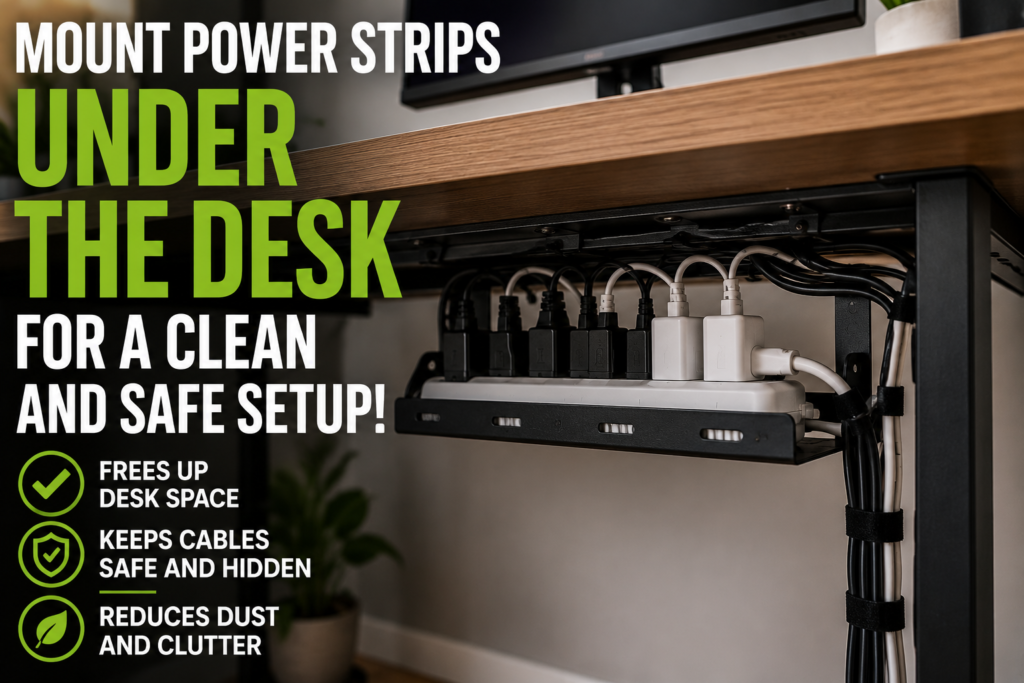
Helpful mounting locations include:
- underneath desks,
- behind furniture,
- or attached to walls.
3. Bundle Cables Carefully
Cable sleeves and Velcro ties help keep wires organized.
However, cables should never be bundled too tightly.
Tightly packed cords may:
- trap heat,
- reduce airflow,
- and increase wear over time.
4. Separate High-Power Devices
Large appliances should not share overloaded power strips.
High-energy devices should ideally connect directly to wall outlets whenever possible.
5. Use Proper Cable Routing
Avoid placing cords:
- under rugs,
- beneath furniture legs,
- or across walkways.
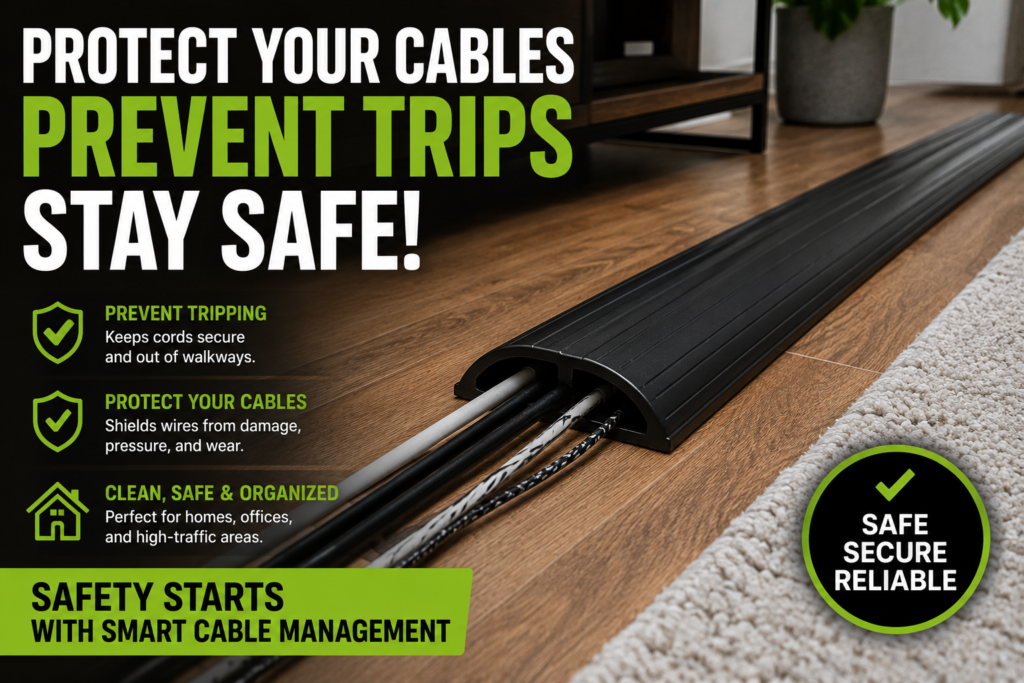
Cable raceways and floor cord covers create safer cable routing.
Best Cable Management Accessories for Power Strips
The right accessories make organization much easier.
Cable Management Boxes
Perfect for hiding:
- adapters,
- chargers,
- and extension cords.
Under-Desk Cable Trays
Ideal for:
- home offices,
- gaming setups,
- and workstation cable management.
Adhesive Cable Clips
Useful for controlling loose charging cords.
Velcro Cable Ties
Better than zip ties because they remain adjustable.
Cable Sleeves
Bundle multiple wires into one cleaner cable line.
Floor Cord Covers
Important for areas where cords cross walking paths.
Safe Power Strip Organization for Different Rooms
Different rooms require different safety approaches.
Home Office
Focus on:
- under-desk cable management,
- airflow,

- and monitor cable organization.
Living Room
Prioritize:
- TV cable routing,
- hidden power strips,
- and child-safe organization.
Bedroom
Keep:
- charging stations,
- bedside cords,
- and lamps safely organized.
Avoid placing cords under beds or rugs.
Gaming Setup
Gaming setups often use:
- multiple monitors,
- consoles,
- LED lighting,
- and charging equipment.

This makes airflow and cable management extremely important.
Kitchen
Avoid extension cords near:
- water,
- heat sources,
- and appliances with high energy usage.
Warning Signs of Unsafe Power Strip Setups
Watch for these warning signs.
Warm or Hot Power Strips
Overheating indicates excessive electrical load.
Flickering Electronics
This may signal overloaded circuits.
Burning Smells
Disconnect devices immediately if you notice unusual odors.
Frayed or Damaged Cords
Damaged cables should be replaced immediately.
Frequent Breaker Trips
This often indicates overloaded electrical circuits.
How to Reduce Fire Risks
Electrical safety should always remain a priority.
Helpful safety practices include:
- avoiding overloaded outlets,
- replacing damaged cords,
- using certified power strips,
- keeping cords ventilated,
- and inspecting cables regularly.
Surge protectors also help protect expensive electronics from power spikes.
Minimalist Power Strip Organization Ideas
Minimalist setups focus on reducing visible clutter while maintaining safety.
Helpful minimalist strategies include:
- hidden cable trays,
- mounted power strips,
- cable management boxes,
- and simplified cable routing.
Wireless accessories may also reduce cable quantity significantly.
How to Maintain Organized Cable Systems
Organization works best with regular maintenance.
Helpful habits include:
- dusting power strips monthly,
- checking cables for wear,
- removing unused adapters,
- reorganizing after adding devices,
- and replacing damaged accessories.
Small maintenance habits help prevent clutter and improve long-term safety.
Common Cable Safety Mistakes to Avoid
Avoid these common mistakes.
Daisy-Chaining Power Strips
Connecting one power strip into another increases fire risk.
Using Indoor Cords Outdoors
Outdoor conditions may damage indoor-rated cables.
Overusing Extension Cords Permanently
Extension cords should not replace permanent wiring solutions long term.
Blocking Airflow
Electronics and power strips need ventilation.
Ignoring Manufacturer Ratings
Always check power limits before connecting multiple devices.
Final Thoughts
Properly organizing power strips and extension cords improves both safety and appearance.
A clean setup reduces:
- clutter,
- tripping hazards,
- overheating risks,
- and cable damage.
The best cable management systems usually combine:
- safe power distribution,
- hidden cable routing,
- proper airflow,
- regular maintenance,
- and high-quality accessories.
Even small improvements can make a setup safer, cleaner, and much easier to manage.
Quick Summary
- Avoid overloading power strips
- Use cable management boxes
- Mount strips off the floor
- Improve airflow around electronics
- Bundle cables carefully
- Avoid cords under rugs
- Use floor cord covers for walkways
- Replace damaged extension cords immediately
- Maintain cable systems regularly
With the right organization methods, power strips and extension cords can remain both safe and visually clean.