
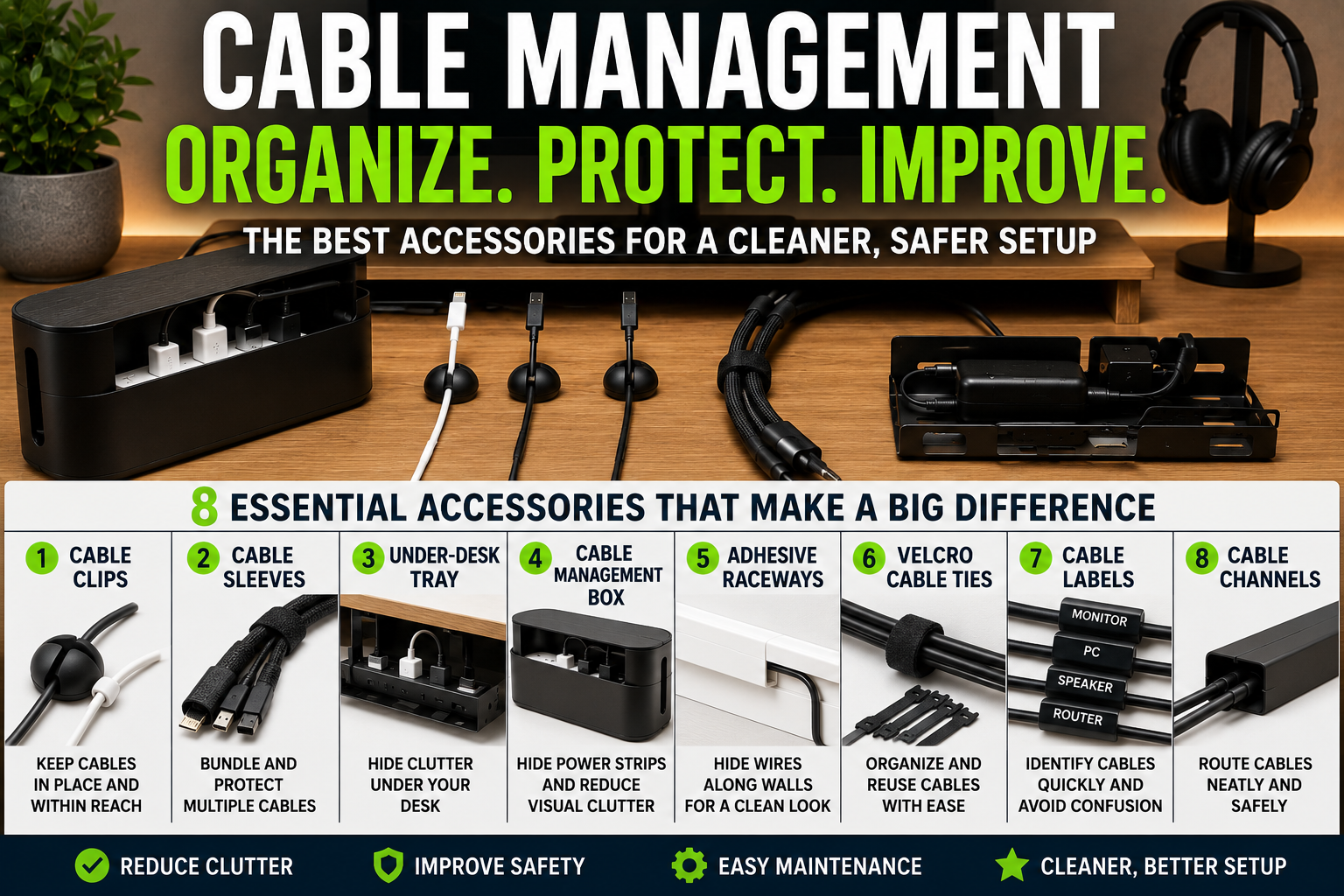
Cable clutter can quickly make even the cleanest setup look disorganized.
Whether it’s a home office, gaming desk, entertainment center, or charging station, messy cables reduce visual appeal and make cleaning more difficult.
The good news is that you do not need expensive renovations or advanced tools to improve cable organization.
In many cases, a few smart cable management accessories can completely transform a setup in less than an hour.
The right accessories help:
- reduce visual clutter,
- improve safety,
- simplify maintenance,
- increase workspace efficiency,
- and create a cleaner overall appearance.
In this guide, you’ll learn:
- Why cable management accessories matter
- The best accessories for organizing wires
- Which products work best for different setups
- Common cable organization mistakes
- How to maintain cleaner cable systems long term
- The best accessories for desks, TVs, gaming setups, and charging stations
By the end of this article, you’ll know exactly which cable management accessories provide the biggest improvements for almost any room or setup.
Why Cable Management Accessories Matter
Most modern homes contain more electronics than ever before.
A single setup may include:
- monitors,
- TVs,
- gaming consoles,
- routers,
- speakers,
- chargers,
- laptops,
- smart devices,
- and power strips.
Without organization systems, cables quickly become:
- tangled,
- dusty,
- difficult to clean,
- and visually distracting.
Good cable management accessories help create:
- cleaner layouts,
- safer environments,
- easier troubleshooting,
- and more professional-looking spaces.
Even small accessories can make a dramatic visual difference.
Common Cable Management Problems
Before choosing accessories, it helps to understand the most common cable issues.
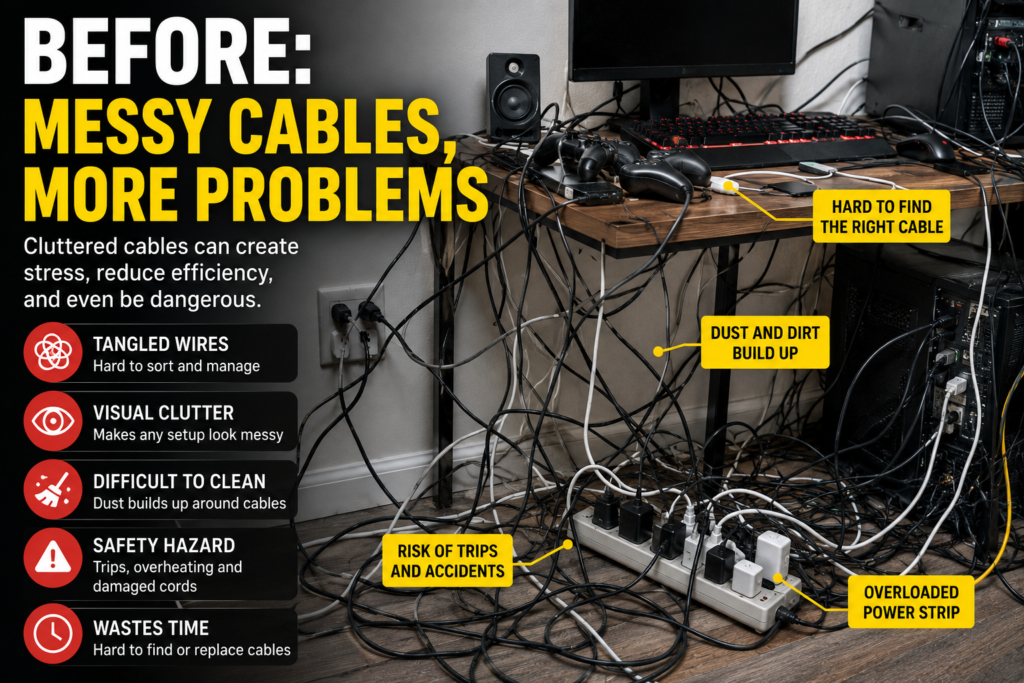
Loose Charging Cables
Charging cords often fall behind desks and furniture.
Tangled Wires
Multiple cables quickly become difficult to separate.
Visible TV Wires
Mounted TVs often leave exposed hanging cables.
Under-Desk Cable Clutter
Home office setups frequently hide large cable messes underneath desks.
Messy Power Strips
Adapters and extension cords create visual clutter very quickly.
Best Cable Management Accessories
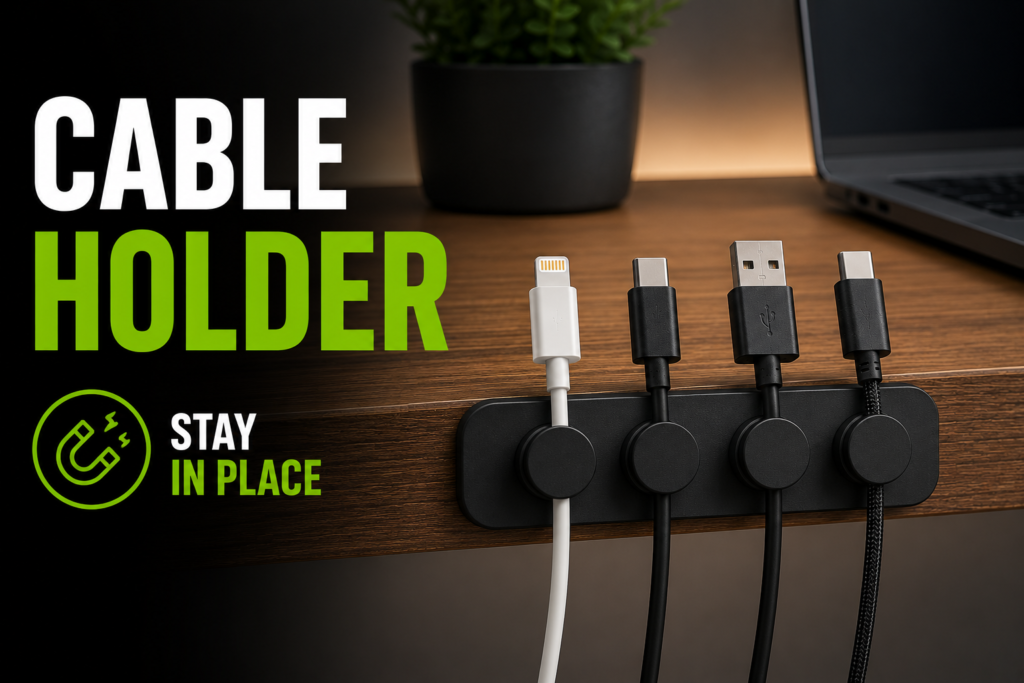
1. Cable Clips
Cable clips are one of the simplest and most effective accessories available.
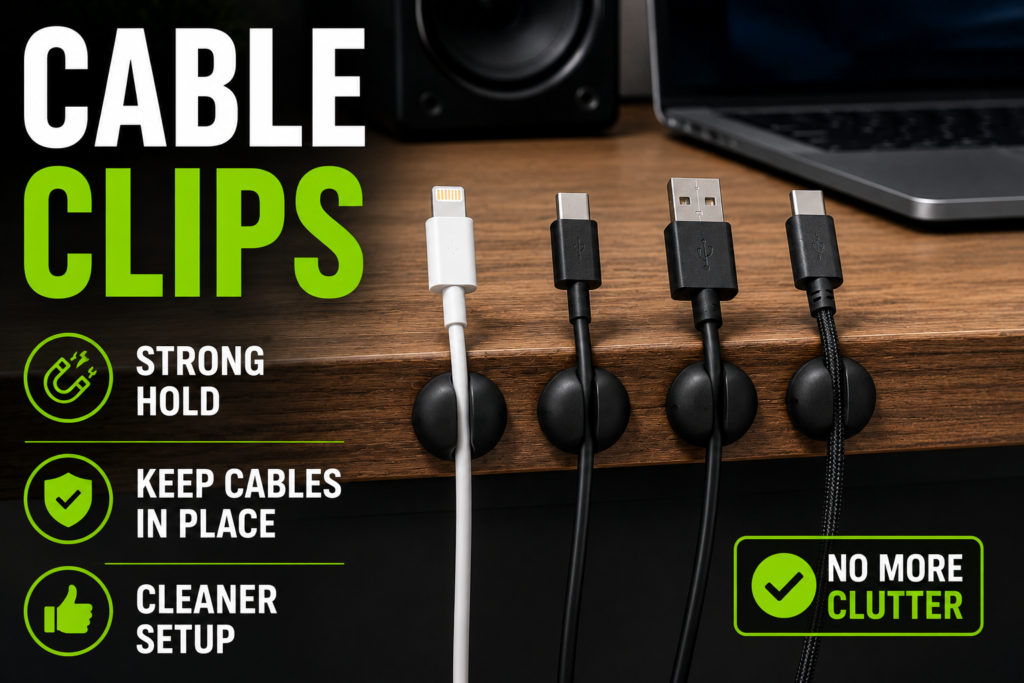
They hold charging cables neatly in place and prevent cords from falling behind furniture.
Cable clips work especially well for:
- desks,
- nightstands,
- charging stations,
- and entertainment centers.
Why They Work
They:
- improve accessibility,
- reduce clutter,
- and help maintain organization daily.
Magnetic cable clips are especially popular because they make cables easy to grab and reposition.
2. Cable Sleeves
Cable sleeves bundle multiple cables together into one organized line.
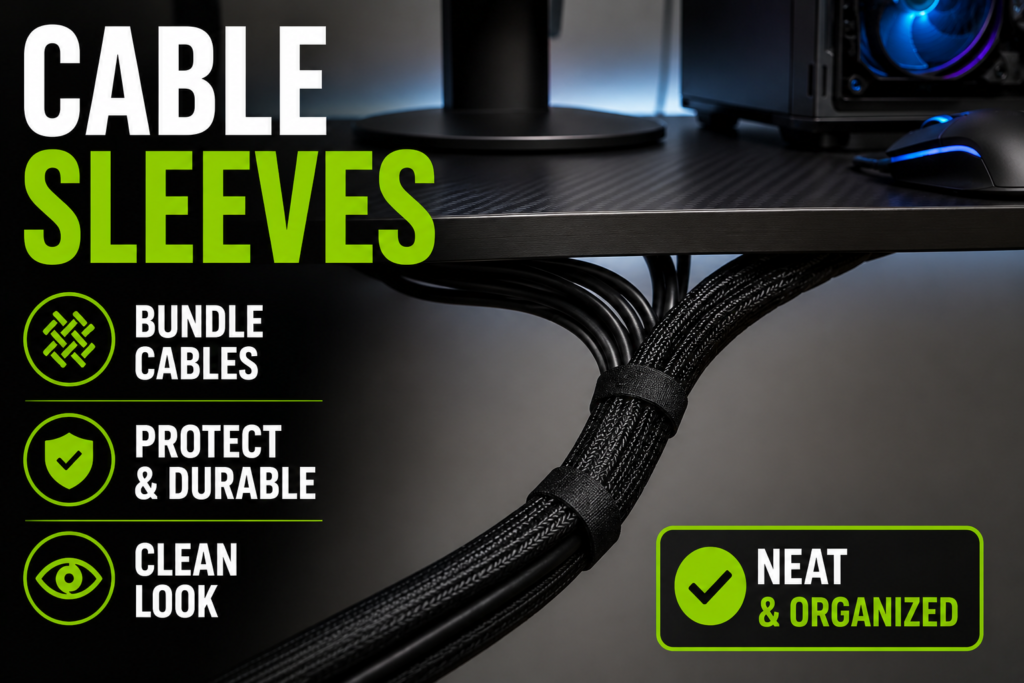
These sleeves work especially well for:
- gaming setups,
- dual-monitor desks,
- TV consoles,
- and home offices.
Braided sleeves are especially popular because they look cleaner and blend naturally into darker setups.
Benefits of Cable Sleeves
They:
- reduce visual clutter,
- protect cables,
- improve appearance,
- and simplify cleaning.
3. Under-Desk Cable Trays
Cable trays attach underneath desks and help hide:
- power strips,
- adapters,
- charging bricks,
- and excess cable length.
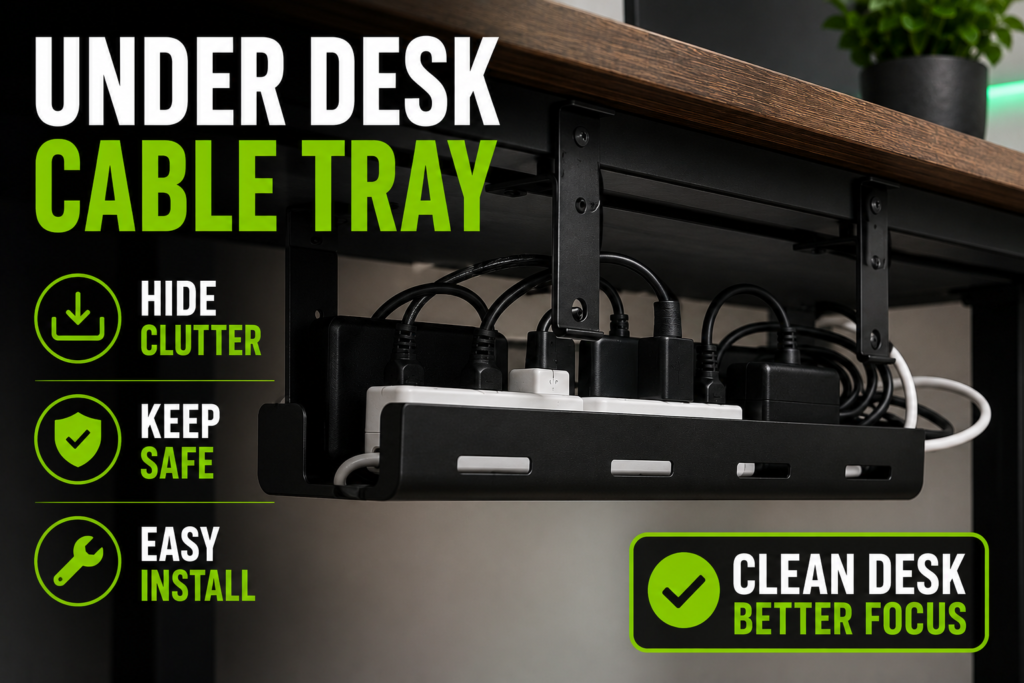
This instantly improves the appearance of desk setups.
Best Uses
Perfect for:
- home offices,
- gaming desks,
- streaming setups,
- and workstations.
4. Cable Management Boxes
Cable management boxes hide:
- power strips,
- chargers,
- adapters,
- and loose cables.
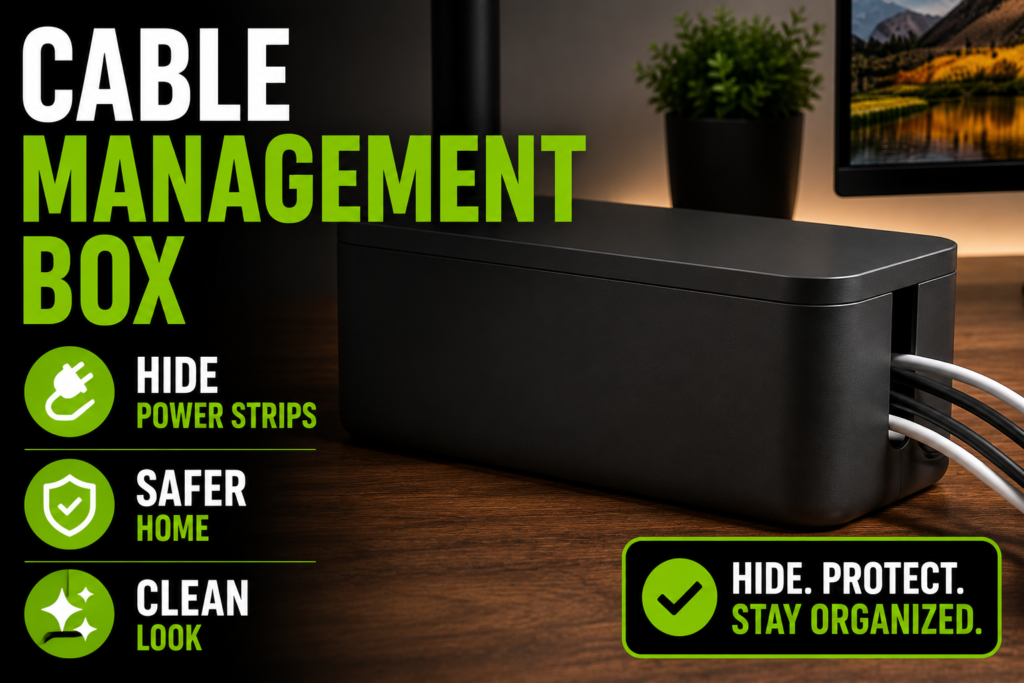
These boxes create a cleaner look while also improving safety around children and pets.
Minimalist setups often rely heavily on cable boxes.
5. Adhesive Cable Raceways
Raceways are plastic channels designed to hide cables along walls.
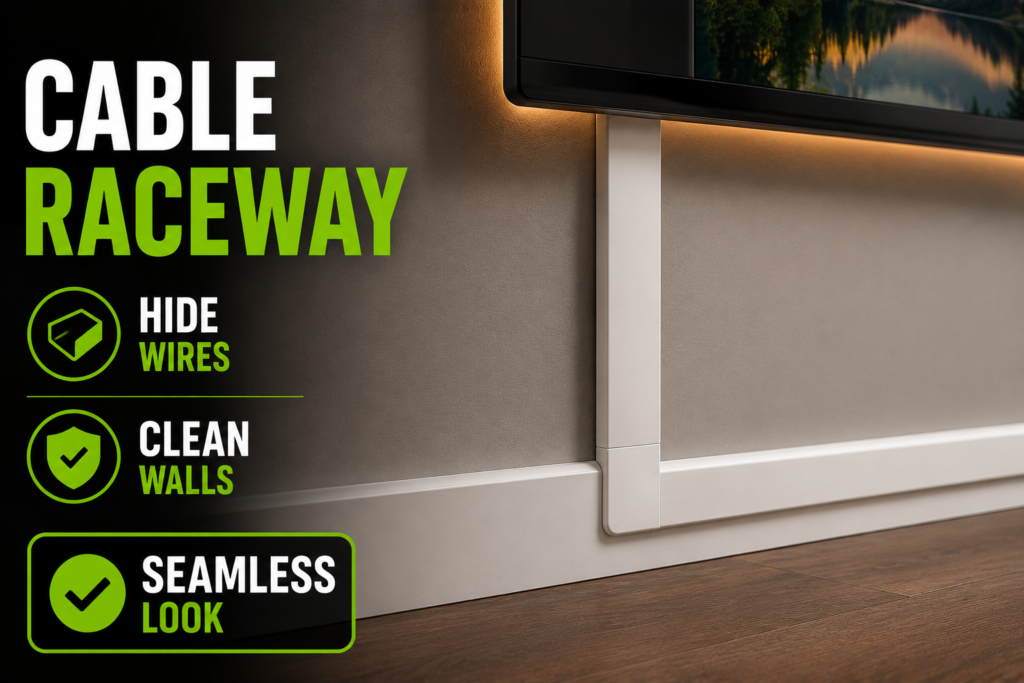
They work especially well for:
- wall-mounted TVs,
- apartment setups,
- entertainment centers,
- and office walls.
Most raceways use removable adhesive backing, making them renter-friendly.
6. Velcro Cable Ties
Velcro ties help secure groups of cables together neatly.
Unlike zip ties, they are reusable and easier to adjust later.
Why Velcro Ties Are Popular
They:
- reduce tangles,
- improve flexibility,
- and simplify future upgrades.
7. Cable Labels
Cable labels make identifying wires much easier.
This becomes especially useful in setups with:
- multiple monitors,
- gaming consoles,
- routers,
- and charging hubs.
Proper labeling helps avoid unplugging the wrong device accidentally.
8. Cable Management Channels
Cable channels route wires neatly underneath or behind furniture.
These systems work especially well for:
- standing desks,
- office furniture,
- and mounted entertainment setups.
Best Accessories for Different Setups
Different setups require different cable organization solutions.
Home Office Setups
Best accessories:
- under-desk trays,
- cable sleeves,
- Velcro ties,
- and cable clips.
Gaming Setups
Best accessories:
- RGB-friendly sleeves,
- monitor arm cable channels,
- cable trays,
- and power strip mounts.
TV and Entertainment Centers
Best accessories:
- raceways,
- cable boxes,
- adhesive clips,
- and hidden storage furniture.
Charging Stations
Best accessories:
- cable clips,
- charging docks,
- cable organizers,
- and USB charging hubs.
Apartment Setups
Best accessories:
- removable adhesive raceways,
- wireless charging systems,
- and renter-friendly cable channels.
Common Cable Management Mistakes
Avoid these common mistakes.
Overloading Power Strips
Too many devices connected to one outlet may become unsafe.
Ignoring Heat and Ventilation
Electronics need proper airflow.
Tightly packed cables and adapters may trap heat.
Using Cheap Adhesive Products
Low-quality accessories often fail over time.
Leaving Excess Cable Length Visible
Large cable loops create unnecessary clutter.
Forgetting Future Maintenance
Always organize cables in ways that remain accessible later.
How to Choose the Right Cable Management Accessories
The best accessories depend on:
- setup size,
- cable quantity,
- room type,
- aesthetic goals,
- and future flexibility.
Before buying accessories, consider:
- how many devices you use,
- where clutter builds up,
- how often devices change,
- and whether the setup is permanent or temporary.
A small apartment setup may need very different solutions compared to a large gaming desk.
Minimalist Cable Management Ideas
Minimalist setups focus on reducing visible clutter as much as possible.
Helpful minimalist strategies include:
- wireless devices,
- hidden cable trays,
- concealed charging systems,
- fewer visible adapters,
- and simplified routing.
Clean cable management helps spaces feel calmer and more organized.
How to Maintain Organized Cable Systems
Cable management requires occasional maintenance.
Helpful habits include:
- removing unused cables,
- dusting accessories regularly,
- replacing damaged cords,
- checking loose ties,
- and reorganizing after adding new electronics.
Small maintenance habits prevent clutter from returning.
Final Thoughts
The right cable management accessories can dramatically improve how a setup looks and functions.
Even inexpensive accessories can:
- reduce clutter,
- improve safety,
- simplify cleaning,
- and create a more professional appearance.
The best setups usually combine:
- cable clips,
- sleeves,
- trays,
- raceways,
- and cable boxes
to create cleaner, more organized spaces.
Small upgrades often produce surprisingly large visual improvements.
Quick Summary
- Use cable clips for loose charging cords
- Bundle wires with cable sleeves
- Hide power strips using cable boxes
- Install under-desk trays for workstations
- Use raceways for mounted TV wires
- Label cables for easier troubleshooting
- Improve airflow around electronics
- Maintain cable systems regularly
With the right cable management accessories, almost any setup can look cleaner, safer, and significantly more organized.