
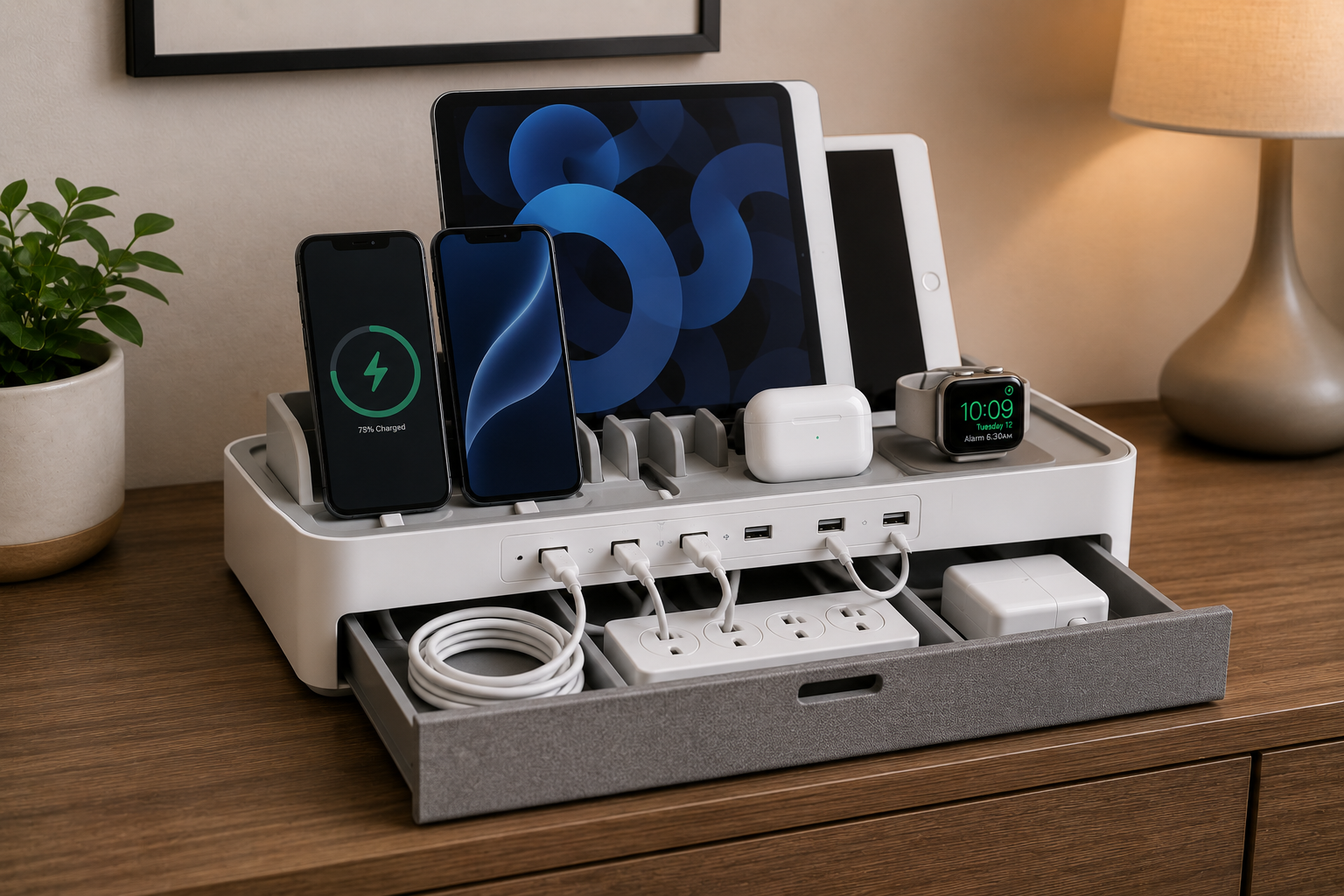
Modern homes depend heavily on electronic devices.
Most families now charge multiple items every day, including:
- smartphones,
- tablets,
- smartwatches,
- wireless earbuds,
- laptops,
- gaming accessories,
- portable speakers,
- and smart home devices.
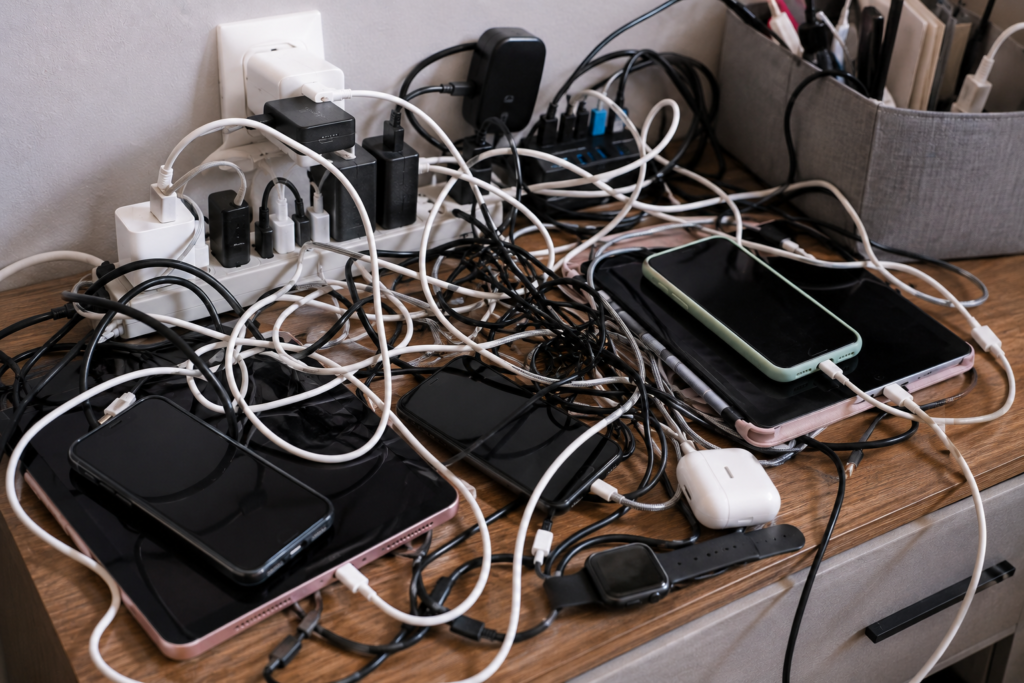
Without proper organization, charging areas quickly become cluttered with tangled cables, overloaded outlets, and scattered devices.
A messy charging station not only looks disorganized but can also:
- create safety hazards,
- reduce charging efficiency,
- collect dust,
- and make devices harder to find.
The good news is that a well-designed charging station can dramatically improve both organization and daily convenience.
With the right setup, you can create a cleaner, safer, and more functional charging area for the entire home.
In this guide, you’ll learn:
- Why charging stations become messy
- The best charging station organization ideas
- Smart cable management solutions
- How to organize family charging areas
- The best charging accessories
- Common charging station mistakes
- Long-term maintenance strategies
By the end of this article, you’ll know exactly how to organize charging stations efficiently while keeping cables and smart devices cleanly managed.
Why Charging Stations Become Cluttered
Most homes charge more devices now than ever before.
A single family may use:
- multiple phones,
- tablets,
- smartwatches,
- wireless headphones,
- and portable electronics daily.
Over time, this creates:
- tangled charging cords,
- overloaded power strips,
- crowded countertops,
- and messy nightstands.
Charging clutter often builds up in:
- kitchens,
- bedrooms,
- home offices,
- living rooms,
- and entryways.
Without organization systems, cables quickly become difficult to manage.
Why Organized Charging Stations Matter
A clean charging station improves:
- convenience,
- device accessibility,
- cable management,
- cleaning access,
- and safety.
Well-organized charging areas also:
- reduce stress,
- prevent lost devices,
- improve aesthetics,
- and simplify daily routines.
For families, centralized charging stations can help keep devices from spreading across multiple rooms.
Common Charging Station Problems
Tangled Charging Cables
Loose charging wires quickly become tangled together.
Overloaded Outlets
Too many adapters plugged into one outlet can become unsafe.
Devices Scattered Around the House
Phones and tablets often end up charging in random locations.
Dust and Heat Buildup
Crowded charging stations may trap heat and collect dust.
Mixed Cable Types
USB-C, Lightning, and Micro-USB cables can easily create confusion.
Best Charging Station Organization Ideas
1. Use a Dedicated Charging Station
One of the best solutions is creating a dedicated charging area.
Popular locations include:
- kitchen counters,
- entryway tables,
- office desks,
- bedside tables,
- and media consoles.
Keeping all charging devices in one location dramatically improves organization.
2. Use Cable Management Boxes
Cable management boxes help hide:
- power strips,
- charging bricks,
- excess cable length,
- and adapters.
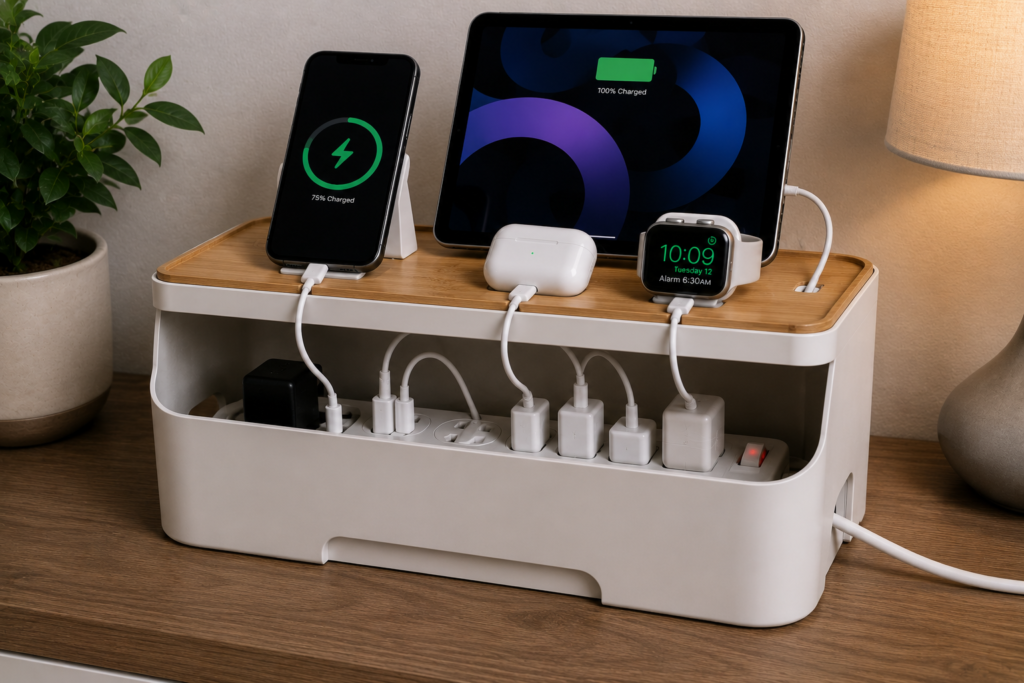
This instantly reduces visible clutter.
Boxes also improve safety by reducing exposed cables around children and pets.
3. Install Cable Clips
Cable clips prevent charging cords from falling behind furniture.
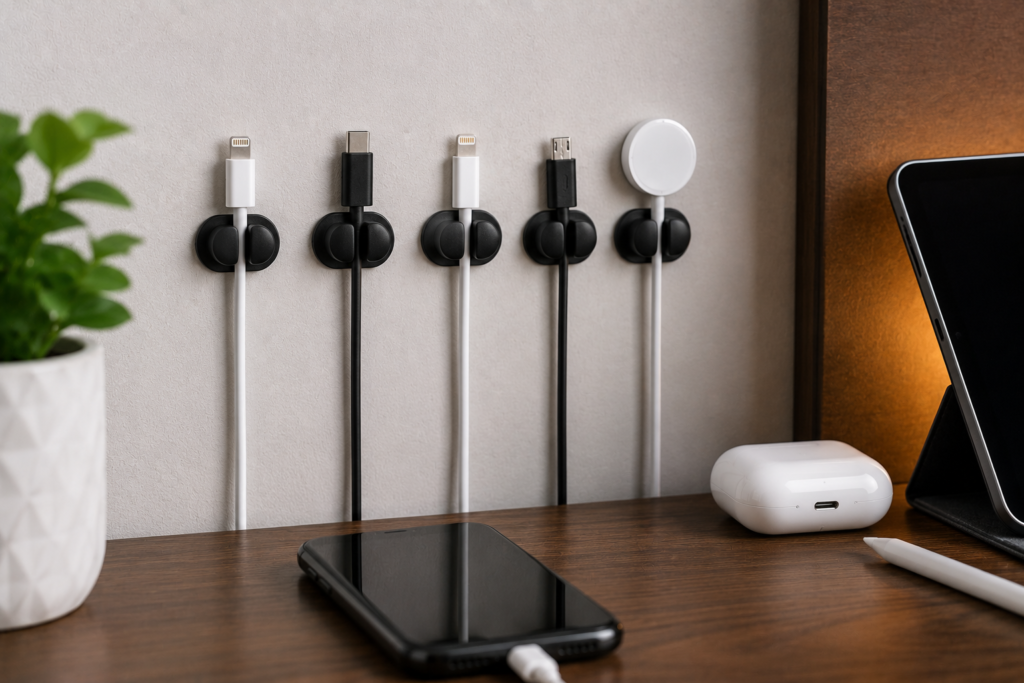
They work especially well for:
- bedside charging,
- desks,
- kitchen counters,
- and family charging stations.
Magnetic cable clips are especially convenient for frequently used devices.
4. Label Charging Cables
Cable labels help identify:
- phone chargers,
- tablet chargers,
- smartwatch cables,
- and family devices.
This reduces confusion and prevents accidental unplugging.
5. Use Wireless Charging When Possible
Wireless charging reduces visible cable clutter significantly.
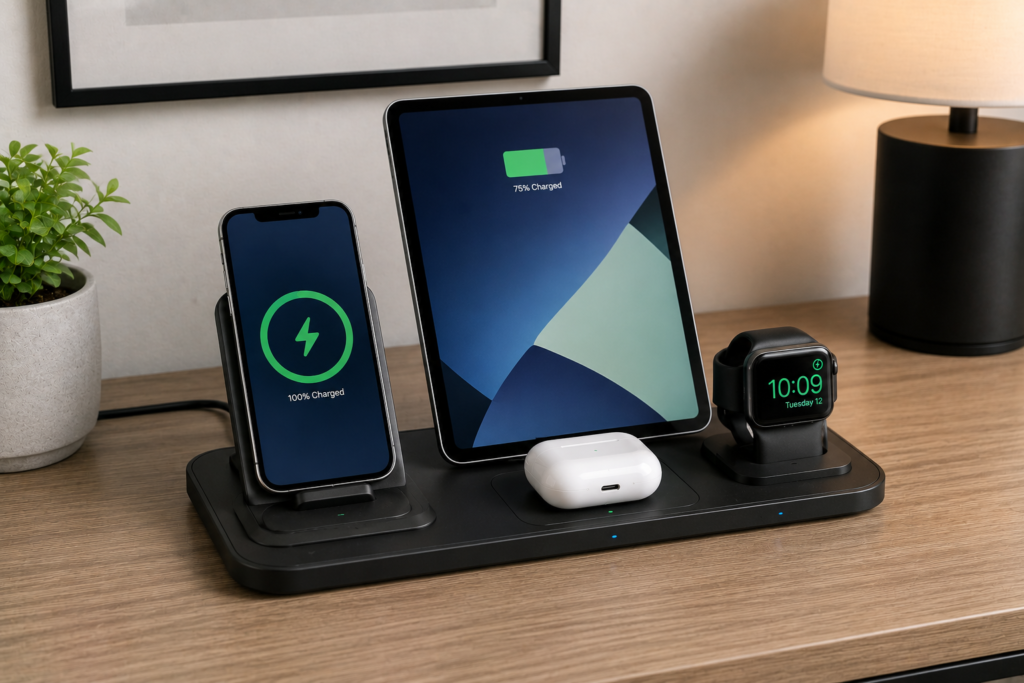
Wireless charging pads work especially well for:
- smartphones,
- earbuds,
- and smartwatches.
Minimalist charging stations often rely heavily on wireless charging systems.
Best Charging Station Ideas for Families
Families usually manage multiple devices simultaneously.
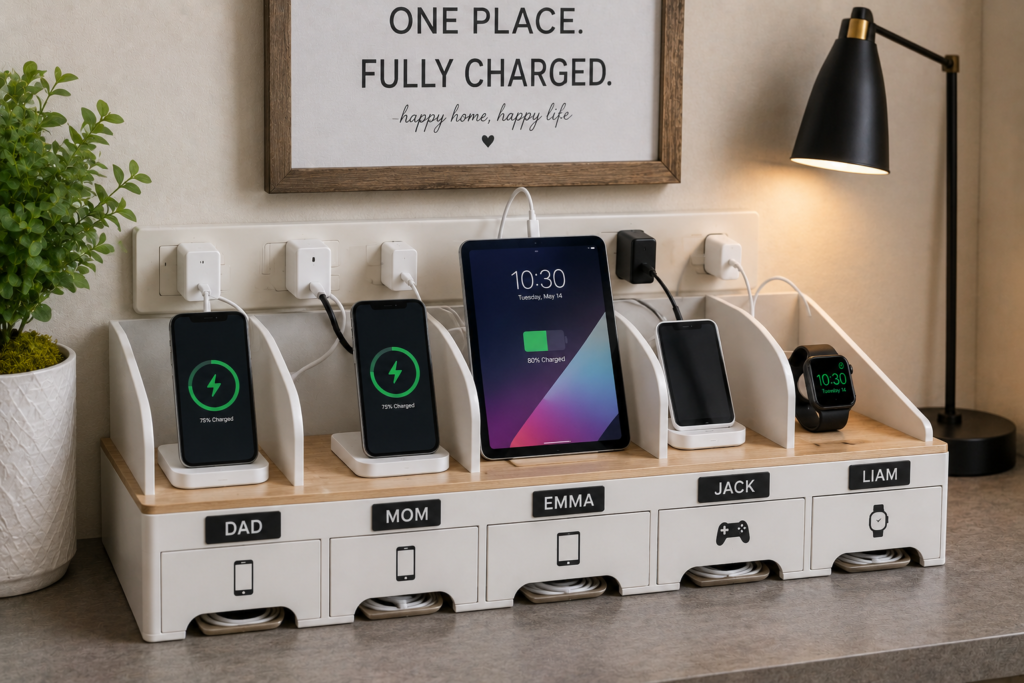
Helpful family charging strategies include:
- assigning charging spots,
- labeling cables by person,
- using multi-device charging docks,
- centralizing charging locations,
- and limiting unused cables.
Family charging stations often work best in shared common areas like kitchens or living rooms.
Charging Station Ideas for Bedrooms
Nightstands often become cluttered with:
- phone chargers,
- smartwatch cables,
- lamps,
- and earbuds.
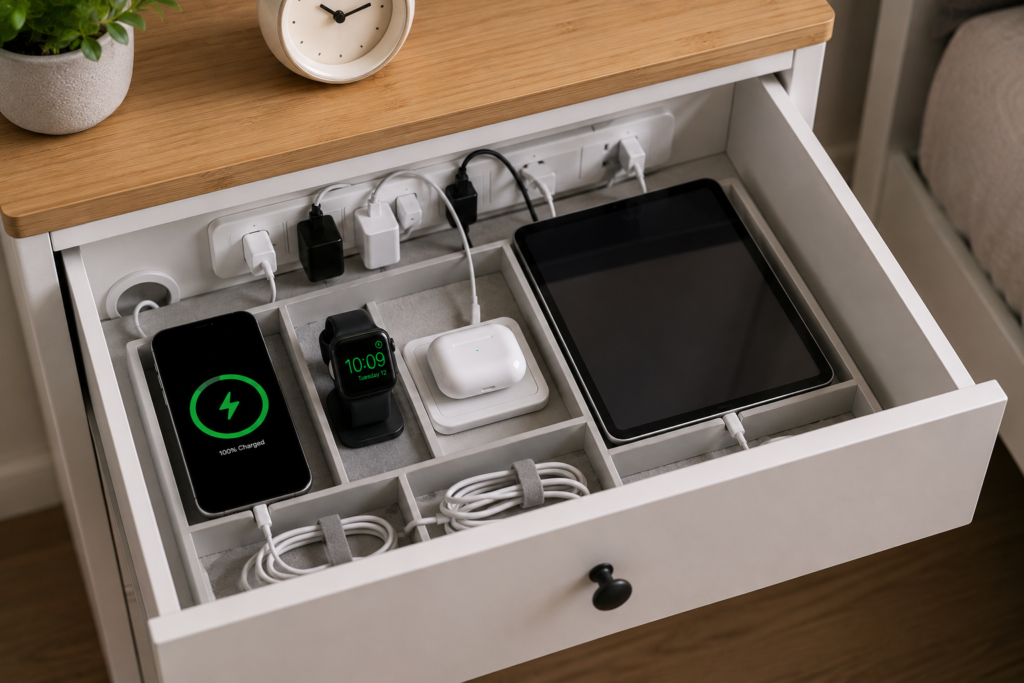
Helpful bedroom solutions include:
- cable clips,
- wireless charging pads,
- under-nightstand cable routing,
- drawer charging stations,
- and compact power strips.
Minimal bedside charging setups improve both aesthetics and sleep environments.
Charging Station Ideas for Home Offices
Home offices often require charging for:
- phones,
- tablets,
- wireless mice,
- keyboards,
- and headphones.
Helpful office charging ideas include:
- under-desk cable trays,
- charging drawers,
- monitor stand charging hubs,
- and vertical charging docks.
Clean charging organization improves workspace appearance and productivity.
Smart Charging Station Safety Tips
Good charging organization also improves safety.
Avoid Overloading Outlets
Too many devices connected to one outlet may increase fire risk.
Use surge-protected power strips whenever possible.
Improve Airflow Around Chargers
Charging bricks and adapters generate heat.
Avoid tightly packing chargers into enclosed areas without ventilation.
Replace Damaged Cables
Frayed charging cables should be replaced immediately.
Damaged cables may:
- overheat,
- charge slowly,
- or become unsafe.
Keep Liquids Away
Avoid placing drinks near charging areas.
This is especially important in kitchens and office setups.
Best Accessories for Charging Station Organization
The right accessories make charging management much easier.
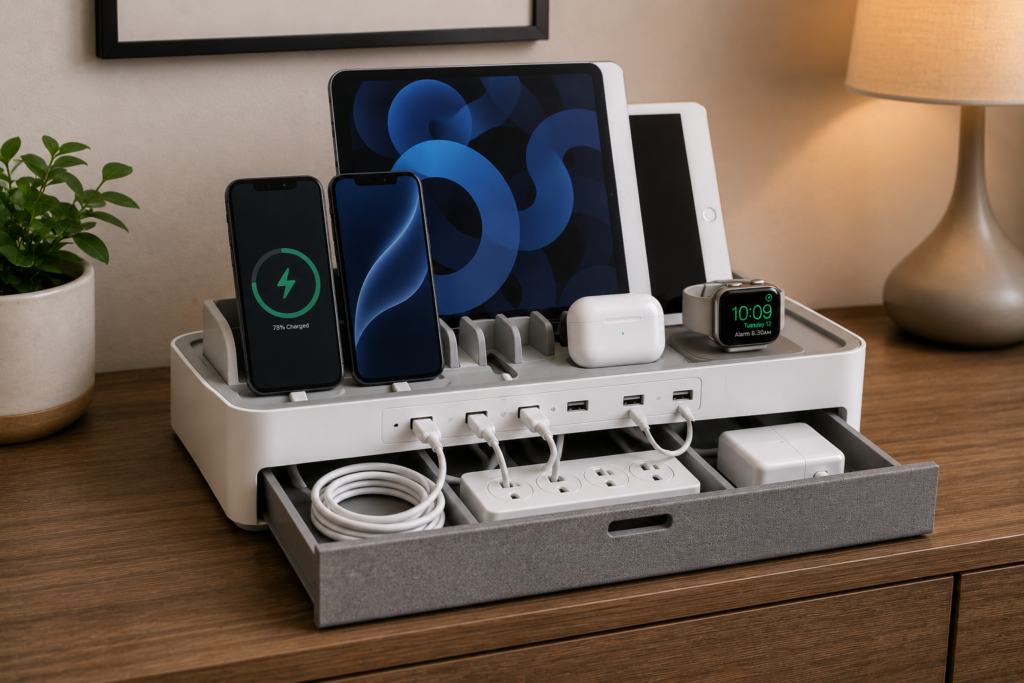
Charging Docks
Charging docks organize multiple devices vertically while reducing clutter.
Magnetic Cable Holders
These keep frequently used cables accessible and organized.
Cable Sleeves
Cable sleeves bundle multiple charging wires together neatly.
Multi-Port USB Charging Hubs
USB hubs reduce the number of required wall adapters.
Drawer Charging Stations
Drawer organizers help hide devices while charging.
Common Charging Station Mistakes
Avoid these common mistakes.
Keeping Unused Chargers
Old or broken cables create unnecessary clutter.
Using Cheap Power Strips
Low-quality power strips may become unsafe over time.
Ignoring Heat Buildup
Crowded charging areas may trap heat.
Leaving Excess Cable Length Exposed
Long cable loops quickly create visual clutter.
Mixing Personal and Work Devices
Separate charging systems often improve organization.
Minimalist Charging Station Ideas
Many people now prefer simplified charging setups.
Helpful minimalist strategies include:
- wireless charging,
- hidden cable routing,
- fewer visible adapters,
- compact charging hubs,
- and concealed charging drawers.
Reducing visible electronics helps rooms feel cleaner and more relaxing.
How to Maintain an Organized Charging Station
Charging stations require occasional maintenance.
Helpful habits include:
- removing unused cables,
- dusting regularly,
- checking damaged chargers,
- reorganizing after adding devices,
- and simplifying cable layouts.
Small adjustments prevent clutter from returning.
Final Thoughts
Charging station organization is one of the easiest ways to reduce electronic clutter in modern homes.
A well-designed charging area improves:
- convenience,
- safety,
- accessibility,
- and overall room appearance.
The best charging setups usually combine:
- cable management,
- centralized organization,
- wireless charging,
- labeled devices,
- and regular maintenance.
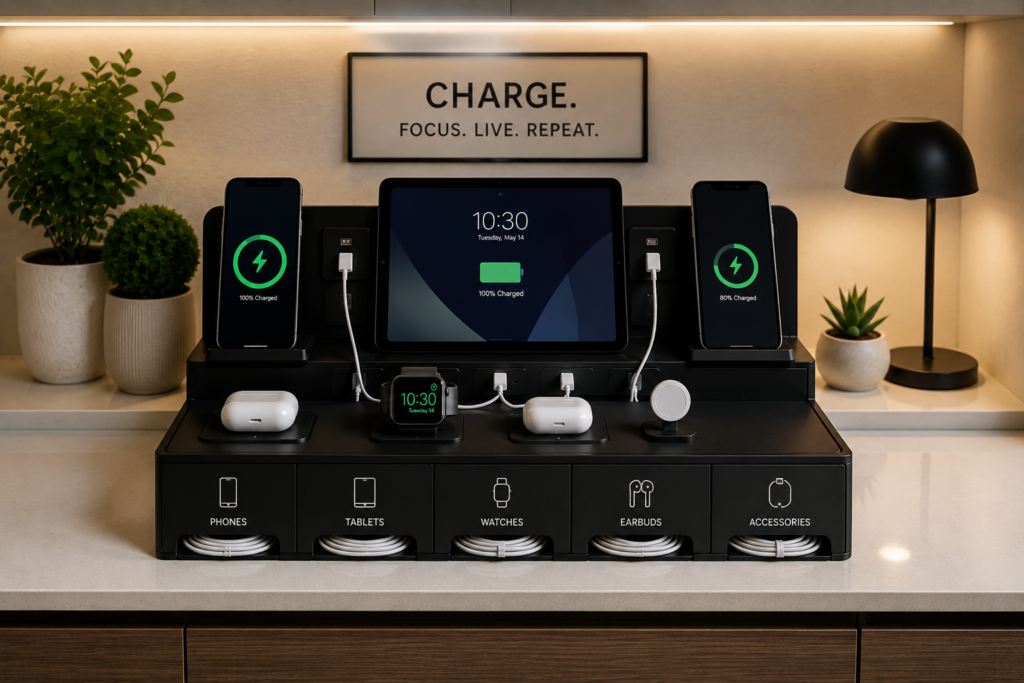
Even small upgrades can dramatically improve how clean and functional a charging area feels.
Quick Summary
- Create a dedicated charging station
- Use cable management boxes to hide clutter
- Install cable clips for loose cords
- Label charging cables
- Use wireless charging when possible
- Improve airflow around chargers
- Avoid overloaded outlets
- Maintain organization regularly
With the right charging station setup, phones, tablets, and smart devices can stay organized, accessible, and far easier to manage.